School subjects · hangman category
Computers Hangman Words
Computer hangman words for technology class: hardware, software, coding basics and internet safety, using plain generic terms and no brand names.
Read the word list
Technology class asks students to learn a vocabulary that did not exist when their grandparents were in school, and spelling it is a skill of its own. This list covers four areas: the hardware on the desk, such as keyboard, monitor, printer and webcam; the software and file words, such as folder, icon and download; the basics of coding, including algorithm, loop, variable and debug; and the language of staying safe online.
No brand or product names are used, only the generic terms that students will meet in any lab. Easy entries such as mouse, code and data suit younger players. Longer words such as encryption, bandwidth and spreadsheet have repeated letters and unusual endings that make them a challenge for older students. The phrases, from search engine to operating system, are useful for reviewing concepts in a keyboarding or digital literacy unit.
74 entries. Our solver needed 2.9 wrong guesses on average: 25 easy, 35 medium and 14 hard. The toughest is bit (13 misses), the quickest screen (0).
- keyboard Medium · 2
- mouse Hard · 5
- monitor Medium · 3
- screen Easy · 0
- printer Medium · 2
- scanner Medium · 3
- speaker Medium · 2
- microphone Easy · 0
- webcam Hard · 6
- laptop Medium · 4
- tablet Medium · 4
- desktop Medium · 2
- server Medium · 2
- network Medium · 2
- internet Easy · 1
- browser Medium · 2
- website Medium · 2
- email Medium · 2
- password Medium · 3
- username Easy · 1
- download Medium · 2
- upload Medium · 4
- software Easy · 1
- hardware Easy · 1
- program Medium · 3
- code Hard · 12
- algorithm Easy · 1
- variable Easy · 1
- loop Medium · 4
- function Easy · 1
- bug Hard · 9
- debug Hard · 7
- data Medium · 4
- database Easy · 1
- file Medium · 4
- folder Medium · 4
- cursor Medium · 4
- icon Medium · 4
- window Medium · 2
- menu Hard · 6
- click Hard · 5
- scroll Medium · 4
- memory Medium · 2
- processor Easy · 0
- storage Easy · 0
- router Easy · 1
- wireless Easy · 1
- bandwidth Medium · 2
- binary Medium · 2
- bit Hard · 13
- byte Medium · 4
- pixel Hard · 5
- graphics Medium · 3
- animation Easy · 1
- syntax Hard · 5
- encryption Easy · 0
- firewall Easy · 1
- digital Medium · 2
- online Medium · 2
- backup Hard · 6
- hyperlink Easy · 1
- spreadsheet Easy · 1
- operating system Easy · 0
- search engine Easy · 0
- home page Hard · 7
- hard drive Medium · 3
- web page Hard · 9
- touch screen Easy · 0
- mouse pad Hard · 8
- copy and paste Medium · 2
- artificial intelligence Easy · 0
- keyboard shortcut Easy · 1
- screen saver Medium · 3
- social media Easy · 1
Words worth a closer look
- algorithmComes from the name of the ninth century Persian mathematician al-Khwarizmi. It means a step-by-step set of instructions, which is how students first meet it in coding class.
- pixelA contraction of picture element, the smallest dot on a screen. Five letters with an x that is rarely guessed early, so it lasts longer than most short words.
- bitShort for binary digit, a single 0 or 1. It is only three letters, but with one vowel the guess order matters more than the word length.
- byteSpelled with a y on purpose, so that it would not be mistaken for bit. Eight bits make a byte, which is an easy fact for students to remember once they spell it.
- cursorFrom a Latin word meaning runner. It is the marker that runs across the screen, and the u and the o are the letters players often leave to the end.
- passwordTwo s's in a row in the middle and a d at the end. It is a useful word to pair with a short lesson on why long passwords are better than short ones.
- encryptionBuilt from the Greek kryptos, hidden. It is the way messages are scrambled so that only the right person can read them, and the y and the pt pair make it hard.
- keyboardA compound of key and board. The k and y are the letters that decide most rounds.
Using this list in class
A technology teacher can use the hardware words on the first day of lab. Give each student a printed card, and when a word is solved ask them to point to the matching part in the room. For a digital citizenship unit, play password, username, firewall, encryption and online, then discuss what each means for keeping an account safe.
In a coding club, group the answers: algorithm, loop, variable, function, syntax and debug. Ask pupils to describe each in plain language after the round. Teachers of younger grades can use mouse, click, scroll, icon and cursor as a keyboarding lesson starter, and parents can print the sheet for a screen-free review at home.
Print a Computers Hangman worksheet
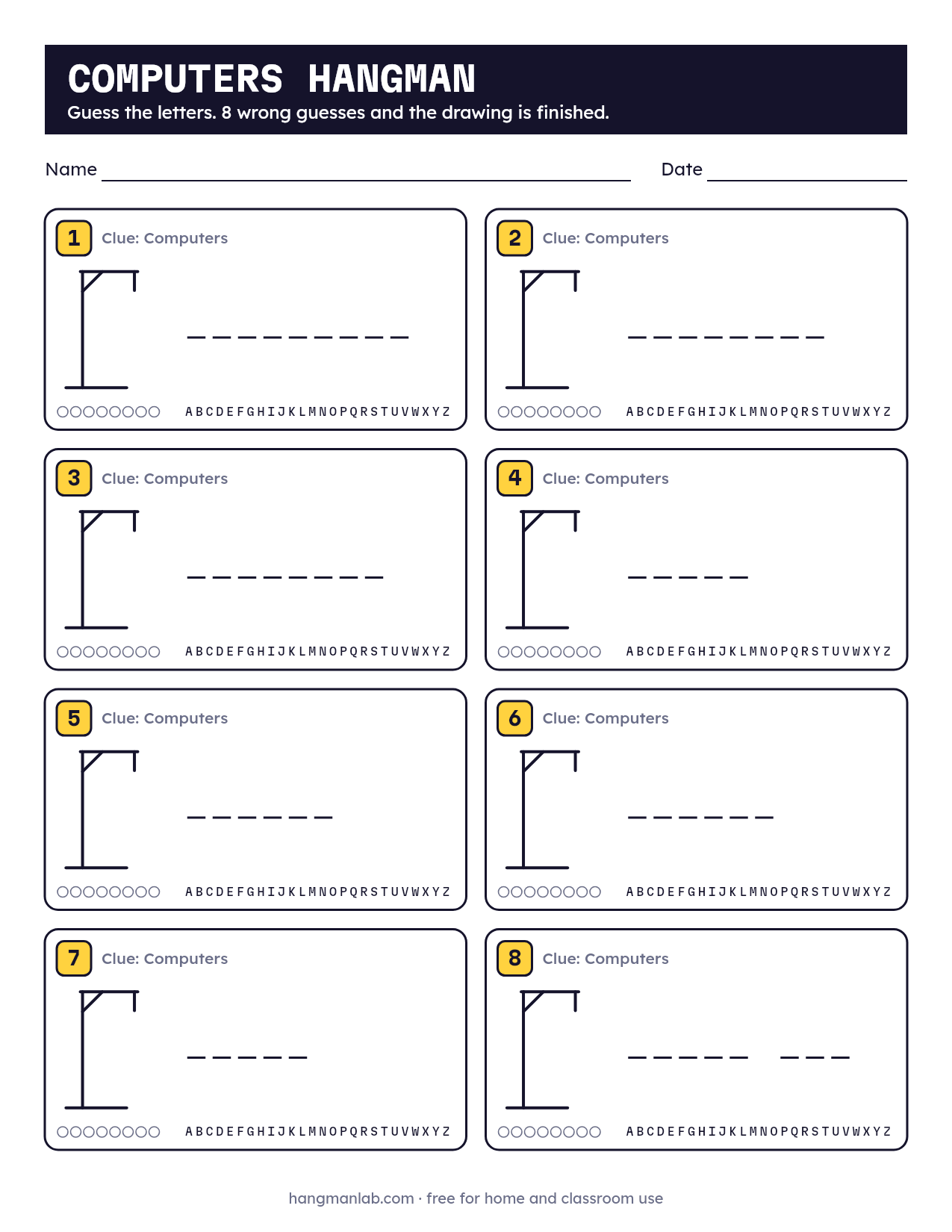
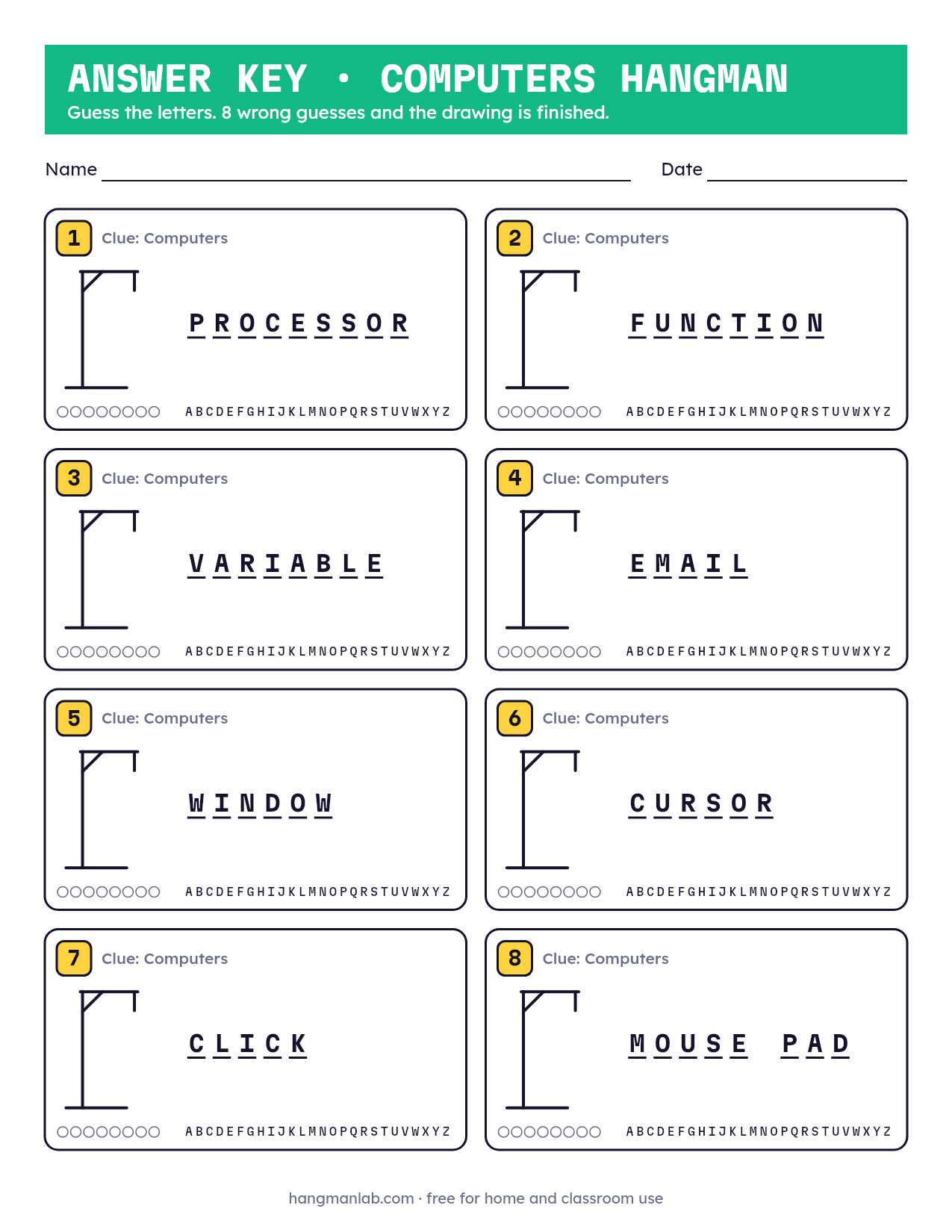
Eight puzzles on one US Letter page, with a clue, letter blanks, an empty frame to draw in, an alphabet strip to cross off and circles to count misses. Page two is the answer key.
Need another sheet?
Draw eight different words from this list, right here. Same layout, new answer key.
Keep going
- Science Hangman WordsScience hangman words drawn from elementary and middle school units: the scientific method, matter, energy, life science and earth science.
- Math Hangman WordsMath hangman words for elementary and middle school: fractions, geometry, operations and data, with a printable sheet and answer key for the classroom.
- School Hangman WordsSchool hangman words from the classroom, hallway and playground: supplies, places, people and routines, for kindergarten through middle school.
- Jobs Hangman WordsJobs and careers hangman words, from teacher and farmer to veterinarian and electrician. Play online or print a sheet with an answer key for class.
- Transportation Hangman WordsTransportation hangman words from car and bus to helicopter and submarine. Play online or print a sheet with an answer key for class or home.
- Human Body Hangman WordsHuman body hangman words covering bones, organs, muscles, senses and body systems, built for health and life science units in elementary and middle school.